English
  中文
中文

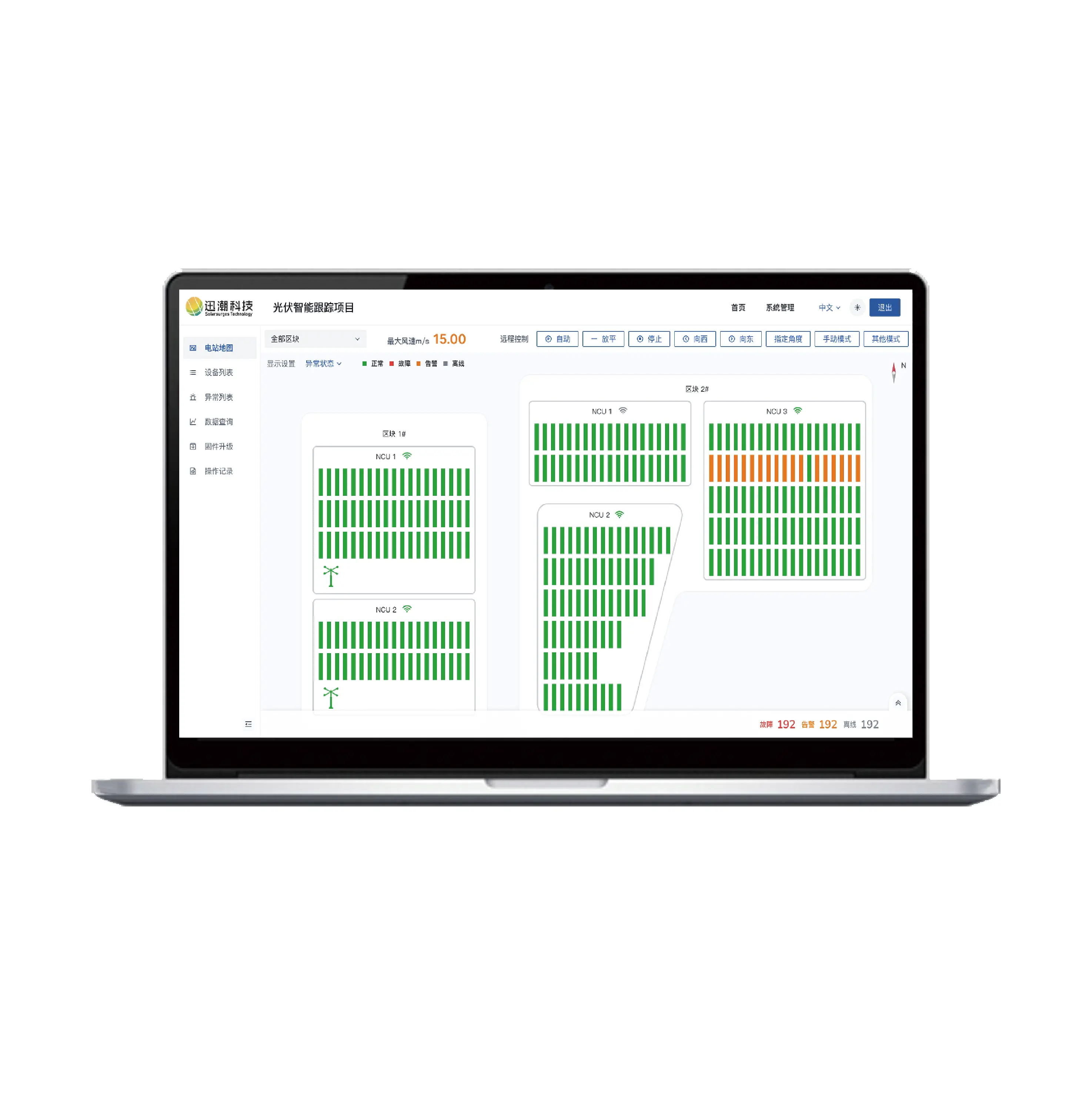

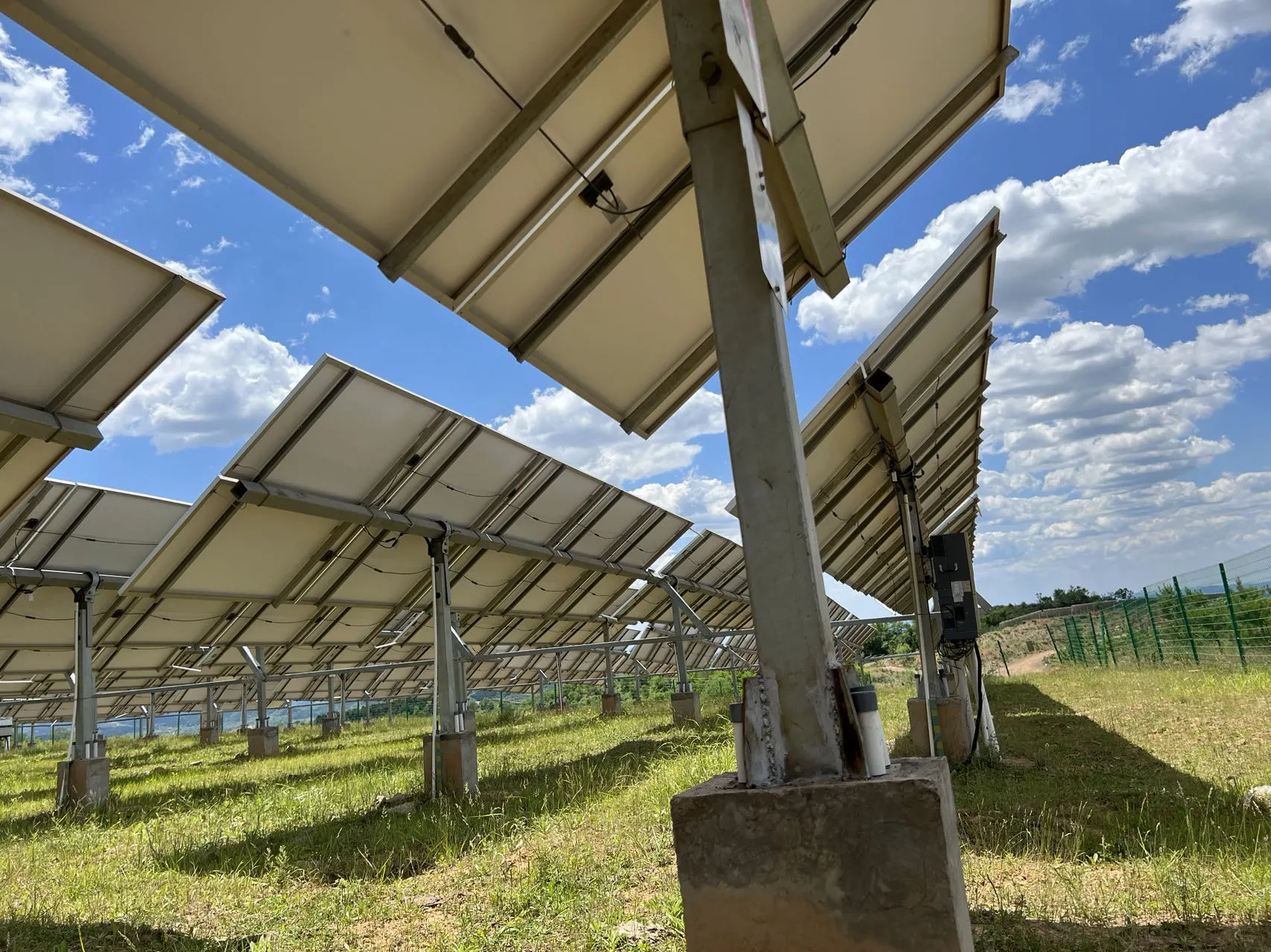
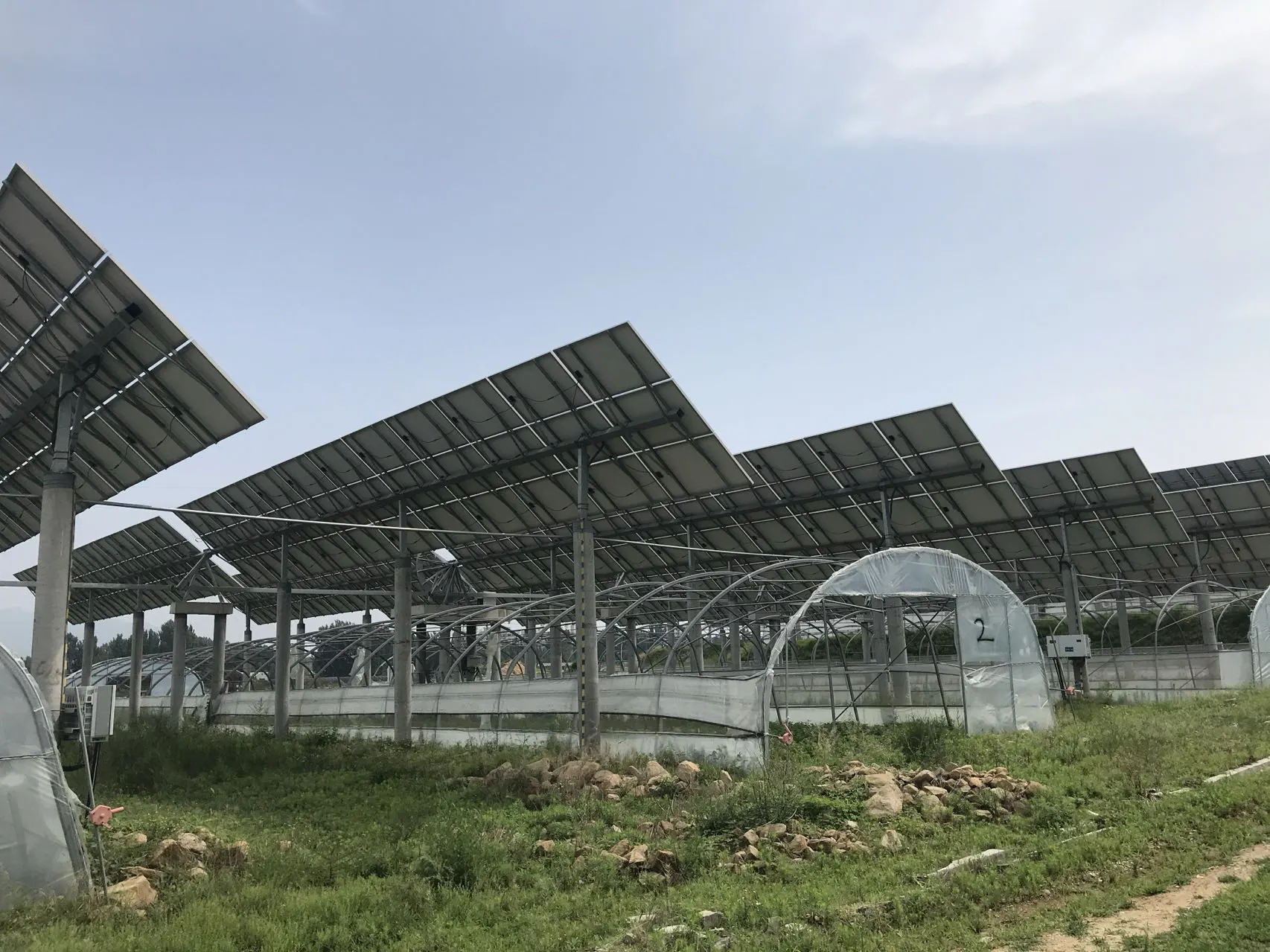
As utility-scale PV plants grow in 2026, basic monitoring — simple dashboards and inverter status pages — is no longer enough to protect revenue. A professional solar monitoring system must do more than display data: it must support control, alarm logic, event analysis, and operational workflows across inverters, meters, trackers, weather stations, and grid interfaces. This guide explains how SolarSCADA systems differ from standard monitoring and why they are the preferred operational layer for large-scale assets.
SolarSCADA vs. Dashboards: What Standard Monitoring Misses at Utility Scale
The Capability Gap That Costs Revenue
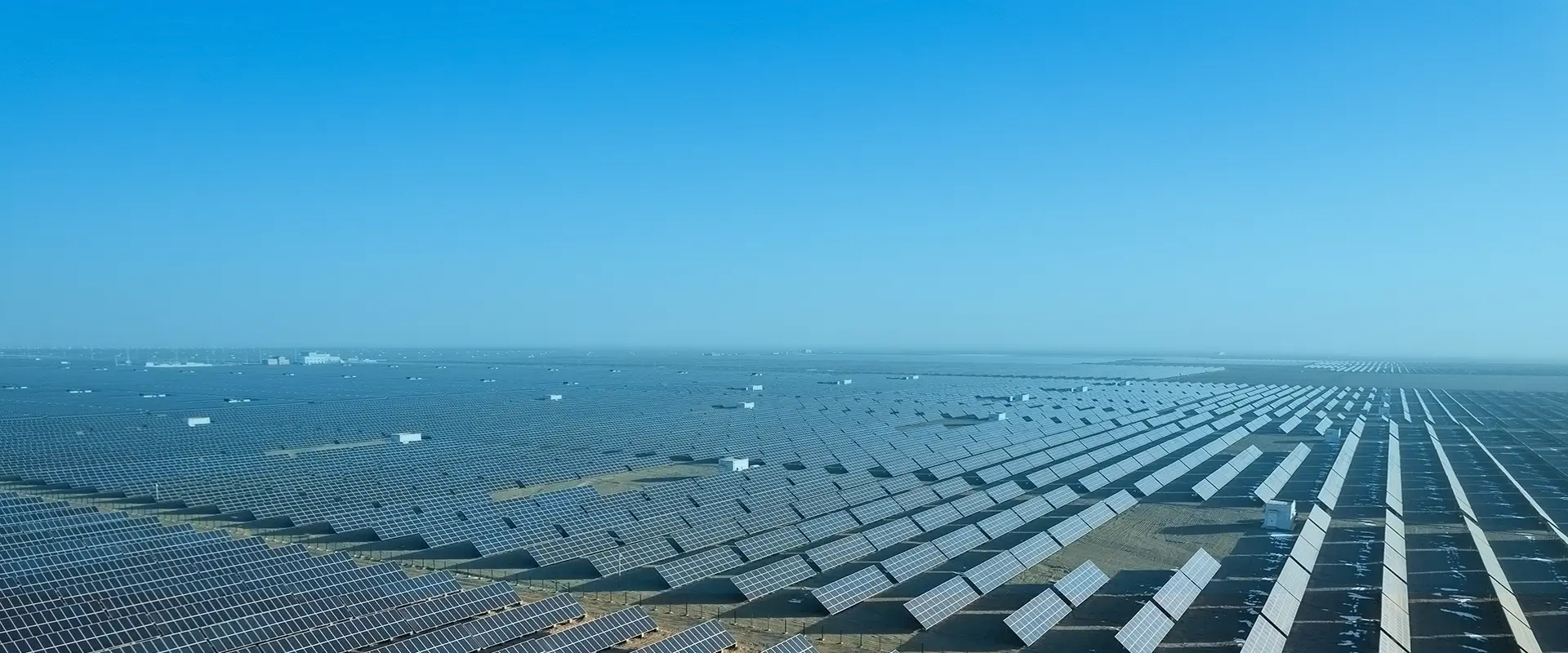
Basic monitoring tools were designed for small systems where one person can review a handful of device pages. At utility scale — hundreds of inverters, thousands of tracker rows, multiple revenue meters, and weather stations across a large site — the same approach breaks down.
| Operational Need | Standard Monitoring | SolarSCADA |
|---|---|---|
| Fleet-wide fault visibility | Device-by-device pages; no unified view | Single-screen fleet view with device status, alarms, and map |
| Alarm management | Email notifications for basic faults | Configurable alarm rules, priority tiers, routing, and acknowledgment workflow |
| Root cause analysis | Manual correlation across device pages | Event timeline with correlated data from all affected devices |
| Compliance reporting | Manual data export and calculation | Automated PR, availability, and curtailment reports in required formats |
| Remote commands | Not available | Remote reset, setpoint changes, and control actions where permitted |
| Data historian | Short-term data retention | Long-term historian with configurable resolution and event tagging |
The Scale Inflection Point
The crossover from basic monitoring to SCADA becomes necessary when:
Manual fault handling takes longer than the revenue loss it is meant to prevent
Alarm volumes exceed what an operator can process without automated routing and priority logic
Reporting to owners, lenders, and grid operators requires consistent, auditable data packages
Coordinated control across multiple devices is part of the plant operating agreement
Solar Monitoring System Architecture: How SCADA Connects Field Devices into One Control Layer
Core Building Blocks
A SolarSCADA system is an integration platform first — its value comes from connecting all field devices into a single data and control layer with defined data quality and retention.
| Component | Function | Examples |
|---|---|---|
| Field devices | Generate data and receive commands | Inverters, meters, trackers, weather stations, combiner boxes |
| RTU or gateway | Collects device data and translates protocols | Modbus-to-Ethernet gateway, IEC 61850 RTU |
| Communications network | Carries data from field to SCADA server | Fiber, cellular, licensed radio |
| SCADA server | Processes, stores, and serves data to operators and systems | Redundant server with historian database |
| HMI screens | Operator interface for viewing and control | Desktop client, web browser, mobile |
| Reporting layer | Automated generation of performance and compliance reports | Scheduled reports, API data export |
What a Solar Monitoring System Should Integrate
Inverters: string-level current and voltage (where available), AC output, fault codes
Revenue-grade meters: import, export, and net metering data with time synchronization
Weather stations: irradiance (POA and GHI), temperature, wind speed
Solar trackers: angle, status, and stow events per row
Plant power controller (PPC): grid dispatch signals and curtailment events
Reliability Features That Matter for Production Assets
Data buffering at the gateway: ensures no data loss if the communications link is interrupted
Time synchronization: all devices timestamped to the same reference for accurate event correlation
Redundant server architecture: no single point of failure for a revenue-generating asset
Secure remote access: encrypted VPN or equivalent for operator access without exposing the control network
SolarSCADA Operational Control: Alarms, Setpoints, and Remote Actions
What Control Means Beyond Monitoring
The word "monitoring" implies passive observation. A professional solar monitoring system at utility scale needs active control capabilities to protect revenue.
| Control Capability | What It Enables | Revenue Protection |
|---|---|---|
| Configurable alarm thresholds | Define what constitutes a fault vs. a warning vs. an informational event | Reduces alarm fatigue; ensures critical faults get immediate attention |
| Automated alarm routing | Assign alarms to specific teams or individuals based on type and priority | Correct person notified immediately; no alarm lost in a shared inbox |
| Remote reset and commands | Restart inverters, adjust setpoints, clear faults remotely | Eliminates unnecessary truck rolls for resolvable remote faults |
| Interlock logic | Prevent conflicting commands from multiple sources | Protects equipment from operator error |
| Escalation workflow | Alarm acknowledged → assigned → resolved → closed with timestamp | Auditable record for all events |
Real Operational Wins
A 100 MW plant with standard monitoring may discover an inverter fault when the O&M technician reviews the daily report the following morning — losing 16–20 hours of production from a single inverter. With SolarSCADA alarm routing, the same fault triggers an alert within minutes, the assigned technician receives a notification, and a remote command resolves the fault if software-related — often within one hour.
At scale, across 50 or more inverters, the cumulative yield protection from faster alarm response frequently exceeds the cost of the SCADA platform within the first year.
Solar Monitoring System Analytics: PR Tracking, Loss Accounting, and Benchmarking
Key Performance Metrics at Utility Scale
| Metric | What It Measures | Why It Matters |
|---|---|---|
| Performance Ratio (PR) | Actual energy output divided by theoretically possible output given irradiance | Primary indicator of overall plant health relative to weather conditions |
| Availability | Percentage of time the plant or specific assets are capable of generating | Contractual KPI; distinguishes technical failures from weather-related losses |
| Specific energy yield | kWh per kWp per period | Enables comparison across plants with different capacities and locations |
| Curtailment loss | Energy not generated due to grid operator dispatch limits | Required for off-take agreement compliance tracking |
| Soiling and degradation loss | Performance decline attributed to panel soiling or long-term degradation | Informs cleaning schedules and long-term yield projections |
Event-Based Loss Accounting
A SolarSCADA system can categorize every loss event — what failed, when it failed, how long it lasted, and how much energy was lost — and attribute it to a root cause category:
Equipment failure (inverter, tracker, meter)
Communications or SCADA fault
Grid curtailment or dispatch instruction
External (weather, soiling, shading)
This categorization is what separates a professional solar monitoring system from a data display. The loss accounting becomes the basis for O&M performance reviews, warranty claims, and operational improvement programs.
O&M Alignment Features
Separate KPI views for asset owners versus O&M contractors — each sees the data relevant to their accountability
Monthly and annual automated reports in consistent formats for investor and lender reporting
Benchmarking across multiple plants in a portfolio — identifying which sites are underperforming relative to expected PR
SolarSCADA Procurement Checklist: Integration Scope, Cybersecurity, and Commissioning
What to Define Before Purchasing
| Specification Item | What to Confirm | Why It Matters |
|---|---|---|
| Device count and types | Number of inverters, meters, trackers, weather stations, and combiner boxes | Defines integration scope and licensing model |
| Communication protocols | Modbus RTU, Modbus TCP, SunSpec, IEC 61850, DNP3 | Must match device communication capabilities |
| Data sampling rate | Per-second, per-minute, or per-5-minute depending on application | Higher resolution improves event analysis but increases storage requirements |
| Historian retention | How long raw and aggregated data must be stored | Contractual and financial reporting obligations may require 10+ years |
| Control requirements | List of remote commands required — inverter reset, setpoint changes, tracker commands | Defines whether a read-only monitoring system or a control system is needed |
| Reporting formats | Required KPIs, templates, and delivery schedule | Owner, lender, and grid operator may all have different requirements |
Cybersecurity Baseline for Solar SCADA
User role management: read-only for reporting users; write access only for qualified operators; admin restricted to named individuals
Audit logging: all operator actions timestamped and recorded — required for compliance in many jurisdictions
Network segmentation: SCADA network separated from corporate IT and internet — control systems should not be on the same network as email
Secure remote access: VPN with multi-factor authentication for all remote connections to the control network
Commissioning and Acceptance Testing
| Test | Acceptance Criteria |
|---|---|
| Point-to-point verification | Every data point confirmed live from field device to SCADA screen with correct scaling and units |
| Alarm logic validation | Each configured alarm tested by simulating the trigger condition; correct routing confirmed |
| Historian data quality | Confirm no data gaps during a defined test period; timestamps aligned to reference |
| Report generation | Automated reports confirmed against manually calculated values for the test period |
Conclusion
For large PV assets, the difference between profitability and underperformance is often operational speed and control. A professional solar monitoring system built as SolarSCADA provides the integration, alarm discipline, and performance analytics needed to run a plant like infrastructure — not a collection of individual devices generating data that no one is acting on in real time.
FAQ
Q1: What is the difference between a solar SCADA system and standard monitoring?
Standard monitoring primarily displays device data through dashboards and generates basic notifications. SolarSCADA adds centralized control capability, configurable alarm logic with routing and acknowledgment workflows, a historian for long-term data retention, event-based loss accounting, and automated performance reporting. The distinction becomes operationally significant when plant scale makes manual fault handling too slow to protect revenue.
Q2: When does a solar monitoring system need to become SCADA?
The inflection point is typically reached when the plant is large enough that manual fault handling takes longer than the associated production loss justifies, when reporting to multiple stakeholders requires automated consistent data packages, or when control requirements — remote commands, setpoint management, dispatch response — go beyond what a monitoring-only system supports.
Q3: What devices should a SolarSCADA system integrate?
A complete integration includes inverters (string-level data where available), revenue-grade meters with time-synchronized readings, on-site weather stations (irradiance, temperature, wind), solar tracker controllers (angle, status, and stow events per row), combiner box monitoring where installed, and the plant power controller for grid dispatch signal integration.
Q4: Can solar SCADA reduce O&M costs?
Yes, typically through faster alarm response that reduces the window of lost production per event, remote command capability that eliminates truck rolls for software-resolvable faults, better alarm quality that reduces alert fatigue and ensures critical faults receive immediate attention, and performance analytics that identify chronic underperformers before they become escalated issues.
Q5: What information should I provide to scope a solar SCADA project accurately?
Provide the plant single-line diagram, device counts and model numbers for all monitored equipment, communication protocols supported by each device type, required data sampling resolution, historian retention requirements, KPIs and reporting formats required by owners and lenders, list of required remote control actions, and cybersecurity policies including remote access requirements.
Related Solar Tracker Products